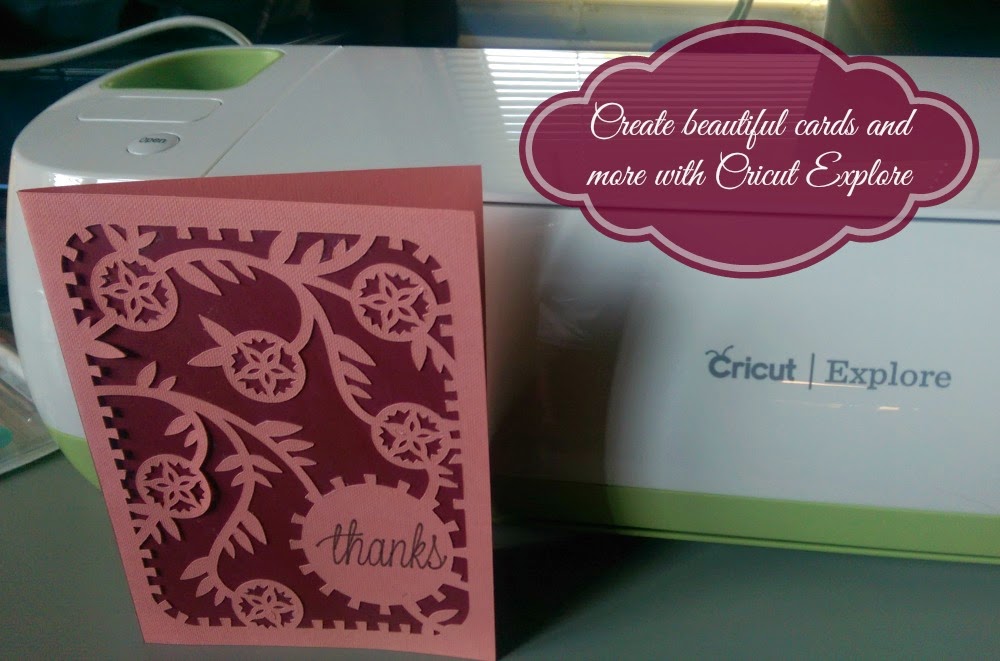
I love to craft. Creating something handmade has always been a passion of mine, and something to which I immensely enjoy. That being said, it is a very time consuming hobby, so unfortunately I just don’t spend as much time getting crafty as I used to. But then I was introduced to the Cricut Explore and my outlook changed big time.
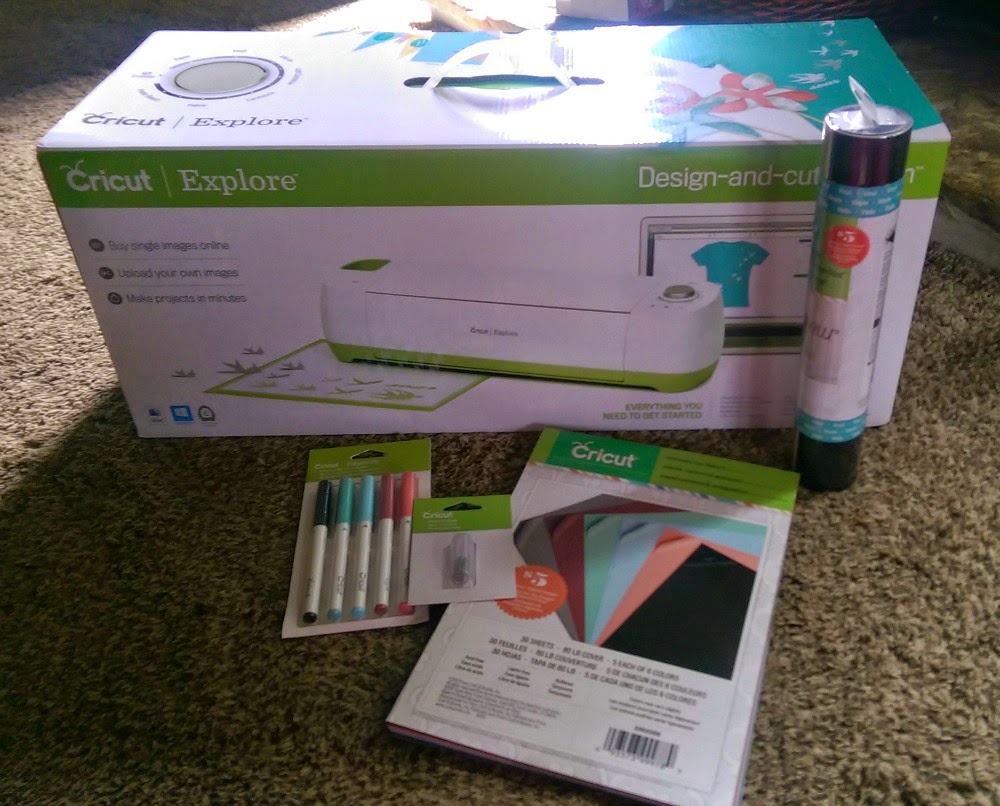
You see, the Cricut Explore allows you to create all sorts of fun paper crafts and other things such as vinyl decals and iron ons – all without even picking up a scissors. You just plug it in, hook it up to your computer, find a design that you like and create it, all with this nifty little machine. It’s super easy to set up and even has step by step instructions in case you need a little help.
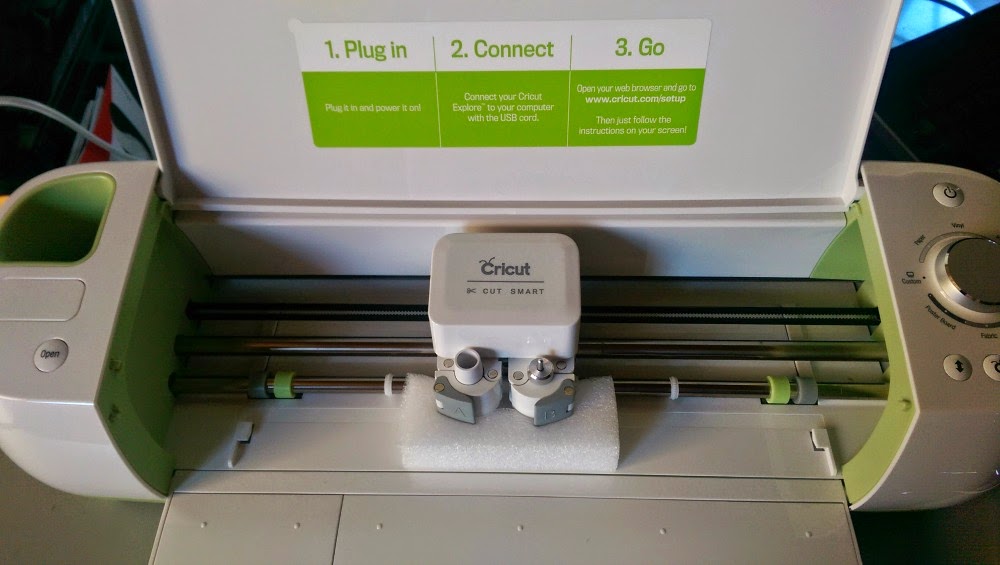
When you’re ready to create your project, just put the paper on the Cricut mat and slide it into the grooves on the machine. You’ll hit the start button and it will feed the paper through. My first project was a card, which read “thanks” on the front – so the Cricut Explore drew that out first, then got to cutting the intricate design out of the paper.

In just a couple of very short minutes, the cut out part was complete and the rest was up to me.

The Cricut mat is somewhat sticky, so the paper sticks to it and I just had to peel it off, slowly so as not to ruin the tiny little details in the design.
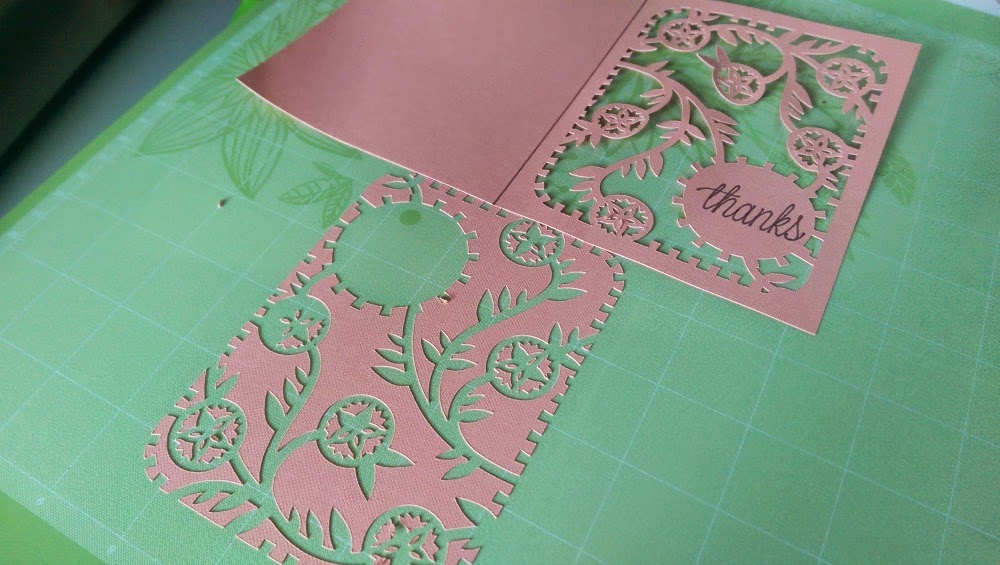
I was instructed to insert another piece in for cutting to use as the backdrop for my card. Then I glued it on with a glue stick and folded the card in half. Within just a few minutes, I have a lovely handmade card!

There are so many fun projects that you can create with the Cricut Explore. There are a large assortment of free projects, like the one I shared above, though you can purchase even more. Digital images start at just 99 cents each and you can also get a monthly subscription for $9.99 per month. Of course, you can purchase4 and Cricut cartridges too. You’ll find different themes like beach and graduation as well as holiday specific projects like these fun Halloween crafts below. The fun and possibilities are endless with Cricut Explore!

Connect:
You can connect with Cricut on Facebook, Pinterest and/or @OfficialCricut on Twitter!

